Android developer verification: is your app in the 1% that could disappear?

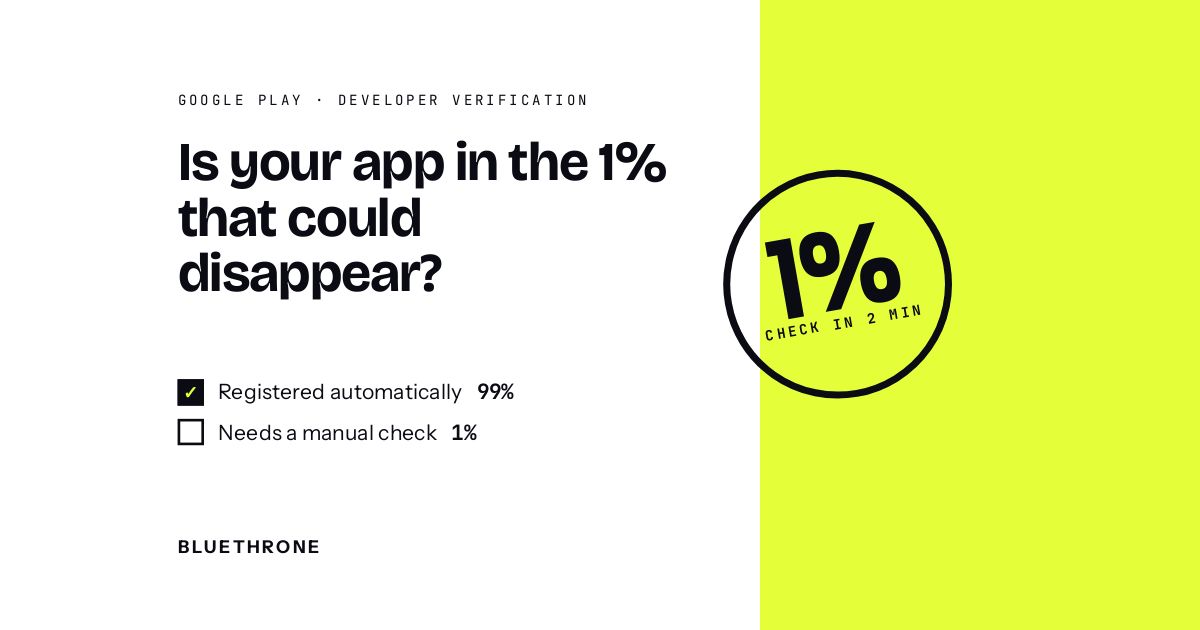
Short answer: Since September 30, 2026, Android checks who made an app before it installs. In Brazil, Indonesia, Singapore and Thailand, apps from participating stores must be registered by a verified developer to install on certified Android devices (Android 7+). Google says it will roll this out globally in 2027.
Every app founder's quiet fear: one morning the app is gone from the store, and so is the MRR. The good news? This one is 100% preventable and takes 2 minutes. Google says 99% of Play apps were registered automatically for Android developer verification. Here is how to make sure yours is not in the other 1%.
Tough love: nobody gets a warning call before the store pulls an app. Two minutes in Play Console now beats two months of support tickets later.
What founders are saying
Honestly? Almost nothing. In the founder communities we track (Reddit, Hacker News, X), app makers are talking about churn, paywalls and users, not about Android developer verification. That's exactly why it's worth 2 minutes now: the risky changes are the ones nobody is discussing.
The 30-second version
Since September 30, 2026, Android checks who made an app before it installs. In Brazil, Indonesia, Singapore and Thailand, apps from participating stores must be registered by a verified developer to install on certified Android devices (Android 7+). Google says it will roll this out globally in 2027.
Here is how Google words it on the Play policy timeline: "While 99% of apps on Play have been registered automatically, you should check your Play Console Home page to register any remaining apps to avoid global removal from Google Play."
99% sounds safe. But if you run 5 apps, or an old app on a forgotten account, "the other 1%" can be you. And nobody notices a missing app until revenue does.
What it means for you, founder by founder
What changes: most likely nothing. Google registered 99% of Play apps automatically.
Should you act? yes, for 2 minutes.
What I'd do: open Play Console Home and check the developer verification card. If it says done, you're done.
What changes: every account and every app needs to be registered, including the dusty ones that still make $300 a month.
Should you act? yes, this week.
What I'd do: list every Play account you own, log into each one, and register what's missing.
What changes: apps installed outside Play also need a verified developer behind them, in the launch countries now and globally in 2027.
Should you act? yes. Register those apps in Play Console or the Android Developer Console.
What I'd do: follow Google's Play Console guide, and read the FAQ for fees and signing keys.
What changes: verification is tied to a developer identity. An app moving between accounts is something to check, not assume.
Should you act? yes, before you sign.
What I'd do: make "verified developer + registered apps" part of the transfer checklist, next to store account standing.

Your 5-minute checklist
- Open Play Console Home for every developer account you own.
- Find the Android developer verification card; register any app that isn't registered.
- If you ship APKs or use other stores, register those apps too.
- Note which identity each account is verified under (yours, your company's).
- Planning a sale? Add verification status to your handover checklist.
FAQ
What is Android developer verification?
A Google program that verifies the identity of app developers. Since September 30, 2026, apps from participating stores in Brazil, Indonesia, Singapore and Thailand must be registered by a verified developer to install on certified Android devices.
Is my Google Play app already registered?
Probably. Google says 99% of apps on Play were registered automatically. Check the Play Console Home page to be sure.
What happens if my app is not registered?
Google warns developers to register remaining apps "to avoid global removal from Google Play".
When does it go global?
Google says verification will expand globally for all apps on certified Android devices in 2027.
Do hobbyists need a government ID?
Google offers limited distribution accounts so students, teachers and hobbyists can share apps with up to 20 devices without a government-issued ID or registration fee.
Written by Idan Waller, co-founder of BlueThrone. We buy and grow mobile apps, so we read every policy change from the founder's side of the table.


Keep reading



.webp)




Time for
your exit?